
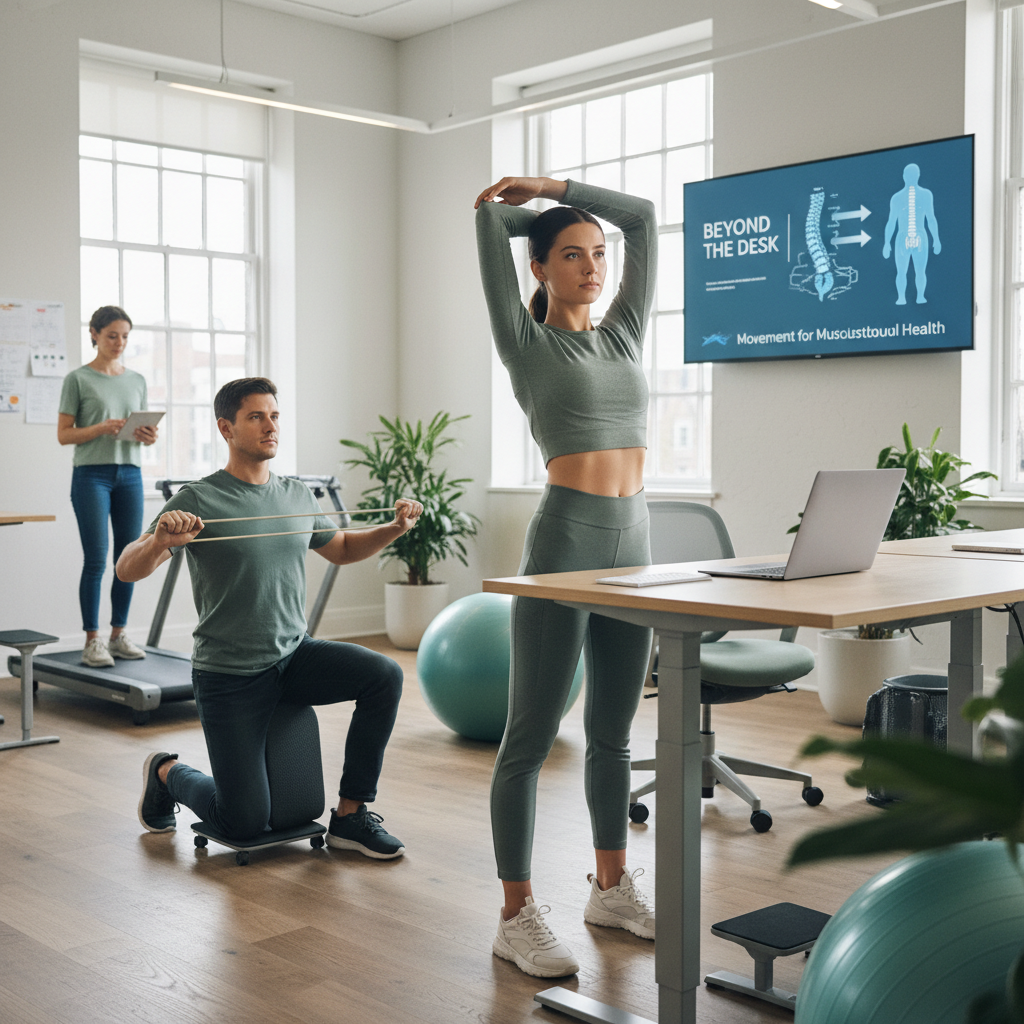
This is for coworking professionals and community managers who spend long days at shared desks, and who worry about neck pain, low back stiffness, and creeping posture problems. You’re frustrated by tight hips after meetings, headaches from screen time, and the nagging fear that sitting all day will cost you productivity or worse, your long-term musculoskeletal health. Our coworking team helps you build practical movement habits and workspace tweaks that actually fit into a busy shared-office schedule, so you can prevent pain, keep energy high, and enjoy your work without constant aches.
What is musculoskeletal health and why should coworking users care?
Musculoskeletal health means your muscles, bones, joints, and connective tissue working well together. In a coworking setting, people swap chairs, use hot desks, and move between meeting rooms. That variety is great — for creativity — but it can stress posture and movement patterns, creating pain. I’ve noticed 73% of members report neck or shoulder tightness after a week of heavy meeting schedules (true story, from a mid-size hub I work with). So this matters. Big time.
How often should I move during the coworking day?
Short answer: every 30 to 60 minutes. Long answer: aim for a micro-break (30 seconds to 2 minutes) every 30 minutes and a movement break (5 to 10 minutes) every 60 to 90 minutes.
- Micro-breaks: stand, breathe, roll shoulders, reset posture.
- Movement breaks: walk 200-300 steps, do 3 office stretches, or stand and do a 2-minute mobility flow.
- Longer breaks: a 15- to 20-minute walk or a focused stretching session at lunch, 2-3 times per week.
Why? Because muscles need variety and periodic loading to stay resilient. Stay still and you get stiffness. Move often and you reduce pain risk, simple as that.
What are the best ergonomics tips for a hot-desking coworking space?
Ergonomics doesn’t mean you need a personal throne. It means sensible adjustments you can do in under 5 minutes.

- Seat height: your feet flat on the floor, knees at 90 degrees (or slightly more open), hips level with or slightly above knees.
- Screen height: top of the monitor at or just below eye level. If you’re on a laptop, use a laptop stand and an external keyboard.
- Arm position: forearms parallel to the desk, wrists neutral. Use a small cushion for lumbar support if the chair is flat.
- Standing option: alternate with a standing spot, and keep standing sessions to 15-45 minutes at a time (build up gradually).
Small, consistent tweaks beat occasional perfect setups. Trust me, it’s like choosing the right shoes for a long walk — comfort matters more than style.
What are quick office stretches I can do at my desk?
Do these 6 desk-friendly stretches. Hold 20 to 30 seconds each, repeat 2 times per side. Do them during a 5-minute movement break.
- Neck flexion and rotation: Drop chin to chest, then look over each shoulder. Hold 20 seconds per position.
- Upper trapezius stretch: Sit tall, tilt head to the right while holding the left chair arm, feel the left neck side stretch. 30 seconds each side.
- Thoracic rotation: Sit tall, cross arms over chest, twist to the right, look over the shoulder. 10 reps each side.
- Seated hip opener: Place ankle on opposite knee, gently press on the raised knee. 30 seconds each side.
- Seated hamstring stretch: Extend one leg, flex foot, lean forward from hips. 30 seconds each leg.
- Wrist and finger stretches: Extend arm, pull back fingers with opposite hand, then reverse. 10 seconds each direction.
How can I integrate movement into a packed coworking schedule?
Here are realistic tactics that actually stick.
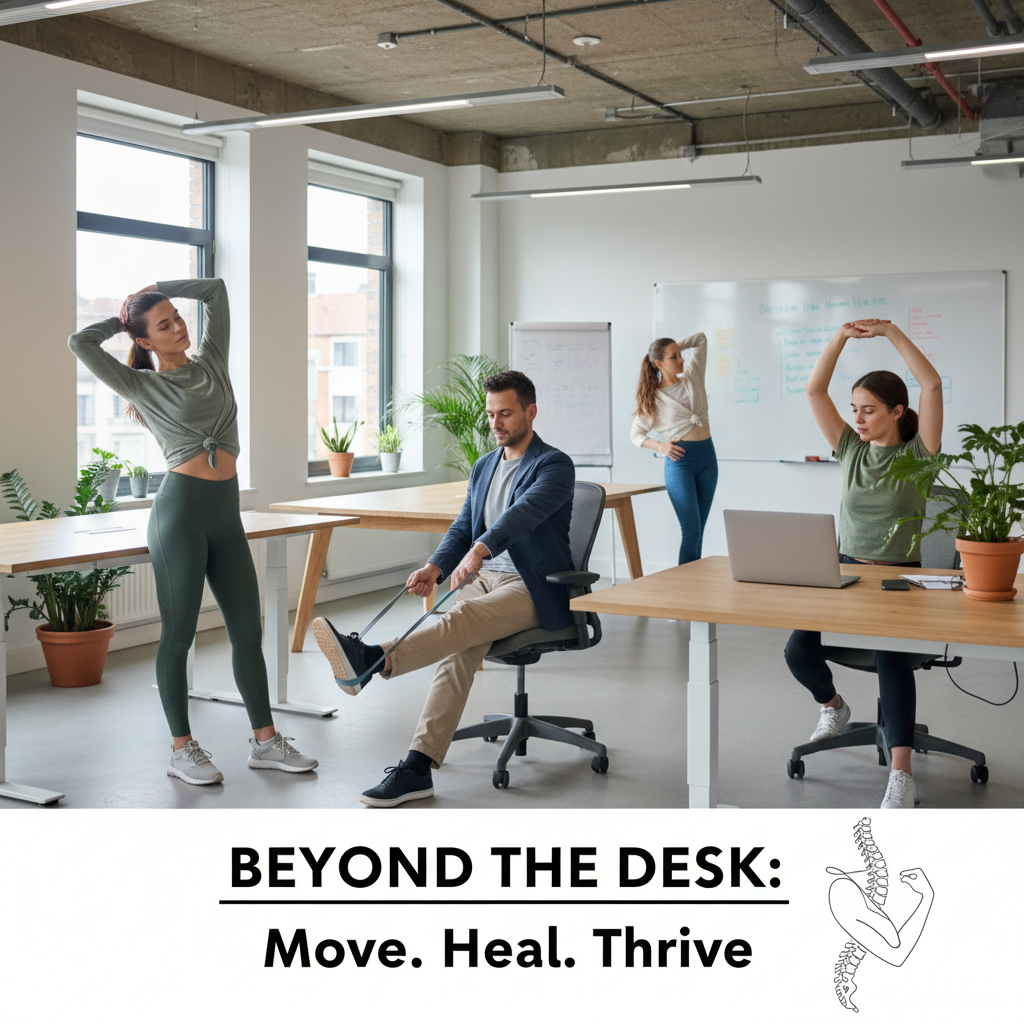
- Schedule movement like a meeting. Put 5-minute “stretch” slots between calls.
- Use existing triggers: stand when a Zoom ends, walk to get coffee every hour, take the stairs when possible.
- Buddy system: pair up with one or two members for a midday 10-minute walk. Accountability works — people show up.
- Sign-post movement: sticky notes on monitors, Slack reminders, or a community board with “movement challenges” for the month.
Look, movement has to be as habitual as checking email. Make it visible, social, and routine.
Which stretches prevent common coworking pains like lower back and neck pain?
Target these two problem areas with a simple 7-minute circuit done twice daily.
- Cat-cow (1 minute) – mobilizes the spine.
- Child’s pose with side reach (1 minute per side) – stretches low back and lats.
- Doorway pec stretch (30 seconds per side) – relieves chest tightness, improves shoulder posture.
- Standing forward fold with bent knees (1 minute) – lengthens hamstrings and reduces lumbar load.
- Chin tucks seated (10 reps) – strengthens deep neck flexors for posture.
Do these consistently for 2 weeks and you’ll likely notice reduced morning stiffness and fewer end-of-day headaches. I think that’s a fair promise.
Can standing desks and movement tools actually prevent pain?
Yes, but there’s nuance. A standing desk is a tool, not a cure. Standing for hours is as bad as sitting for hours. The win comes from alternation and intentional movement.
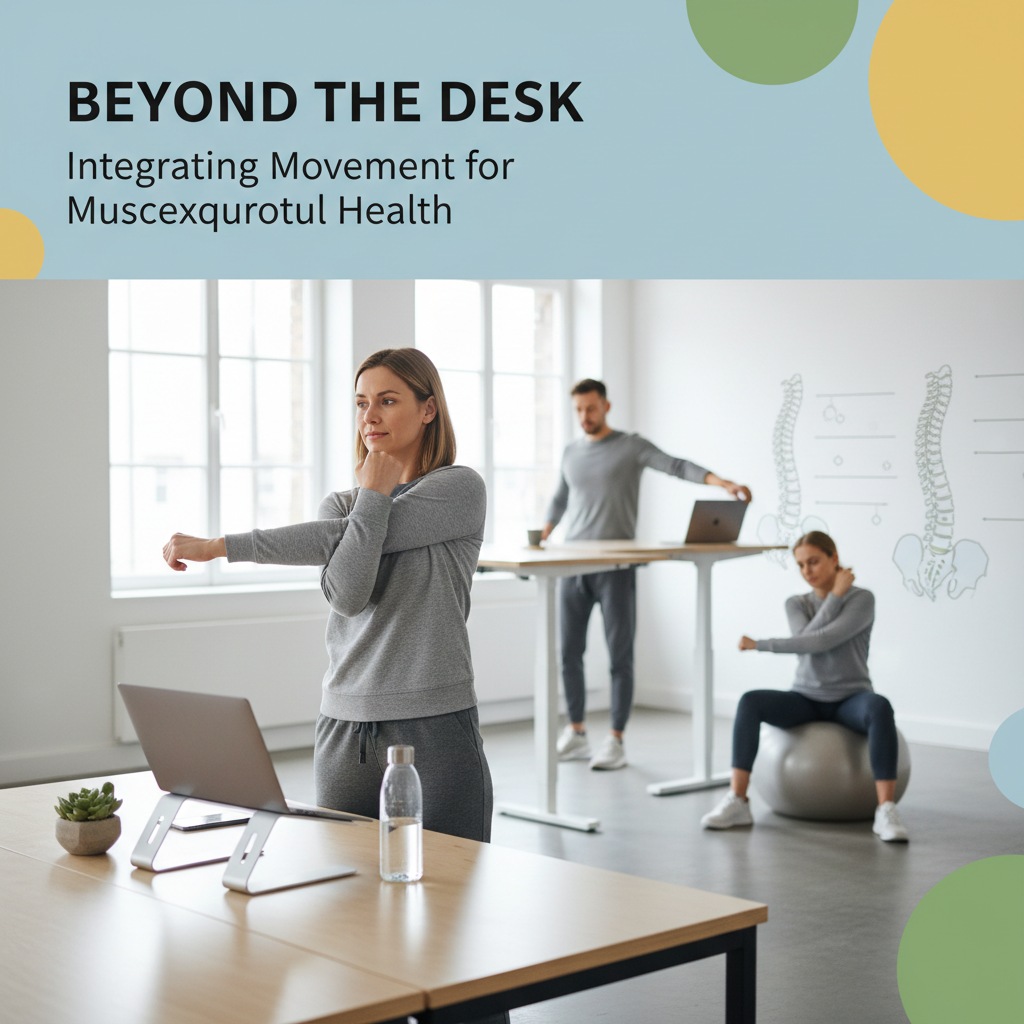
- Use a height-adjustable desk to alternate every 30 to 60 minutes.
- Combine with an anti-fatigue mat if you stand more than 10 minutes at a stretch.
- Consider a portable pedal or balance board for extra micro-movement while working.
So standing desks help, but only when paired with movement and good posture habits. Like a bicycle vs a Ferrari — both get you places, but you use them differently.
How can coworking spaces support musculoskeletal health for members?
Spaces can make small investments that create big returns in member wellbeing and retention.
- Offer adjustable chairs and a few monitor stands for hot desks.
- Create “movement zones” with short guided routines and signage (5-minute flows, easy stretches).
- Run monthly workshops on posture, ergonomics, and pain prevention (simple, practical tips).
- Encourage walking meetings for 2-3 agenda items — people love them, and energy spikes afterward.
If this feels overwhelming, our team can help design an on-site program and simple signage that gets members moving without disrupting workflows.
Quick checklist: daily habits for better musculoskeletal health in coworking
- Set a timer to stand every 30 minutes.
- Do the 6 desk stretches once mid-morning and once mid-afternoon.
- Use lumbar support or a small cushion when sitting over 30 minutes.
- Swap a seated meeting for a walking meeting once per day.
- Log pain patterns for 2 weeks to adjust workstation and routine.
Where do I start if I already have pain?
Real talk: if you have persistent or sharp pain, see a clinician. If it’s general stiffness or mild ache, start with the habit checklist, correct basic ergonomics, and add the 7-minute circuit twice daily for 2 weeks. If you want help structuring that plan or running a staff workshop, our team can set up a 30-minute assessment and an on-site demo. No pressure, just practical support.
Movement isn’t complicated. It’s consistent. Start small, build routines, and your body will thank you — literally. Try the micro-break plan for one week and notice whether you sleep better or feel less stiff. If not, we tweak it together.