
Who this is for, what’s bugging you, and how we can help
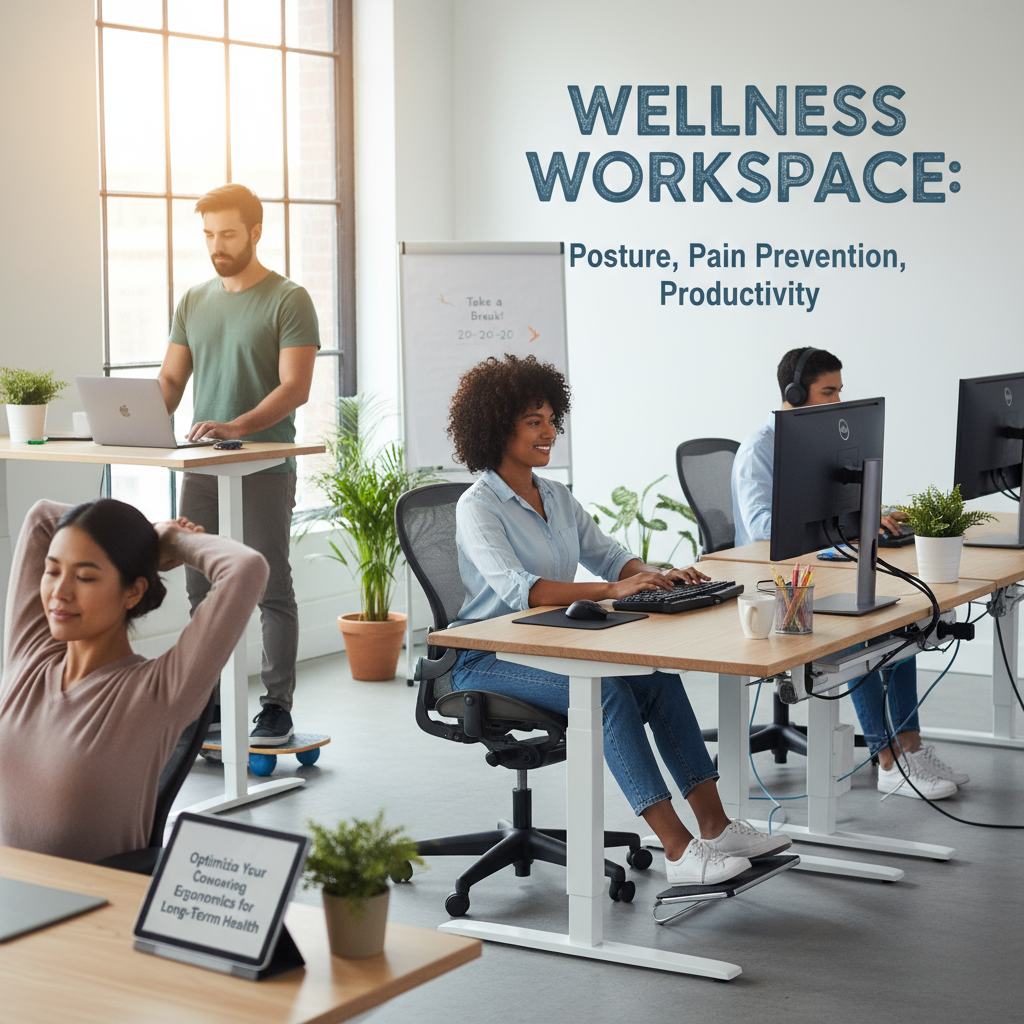
If you’re a remote worker, freelancer, or small-team member who spends long hours in a coworking space and you’re tired of neck pain, sore shoulders, and the creeping dread of chronic back problems — this article is for you. You’re juggling shared desks, inconsistent chairs, and unpredictable lighting (and you worry that this setup is quietly ruining your posture and long-term office health). Our ergonomics team can walk you through practical, budget-friendly fixes you can do at your desk today — and show how to request better workspace wellness from your coworking provider without sounding demanding.
What is coworking ergonomics and why does office health matter?
Coworking ergonomics is simply applying ergonomics (the science of fitting work to the person) inside shared workspaces. It’s about arranging your laptop, chair, screen, and schedule so your body isn’t paying the price later — think less pain prevention and more sustainable productivity.
Look: posture isn’t aesthetic, it’s survival. Bad posture today almost always becomes pain later. And pain drains focus, reduces output, and can force people to take days off — that costs more than a decent chair or a laptop stand. From what I’ve seen, a dozen small changes beat one big expensive fix every time.
How do I set up an ergonomic workstation in a coworking space?
Short answer: prioritize neutral joints, support where you’re weakest, and move often. Below is a simple, step-by-step checklist you can use right now.
1. Chair choices and quick fixes
Good chairs are rare in shared spaces. But you can still improve comfort fast:
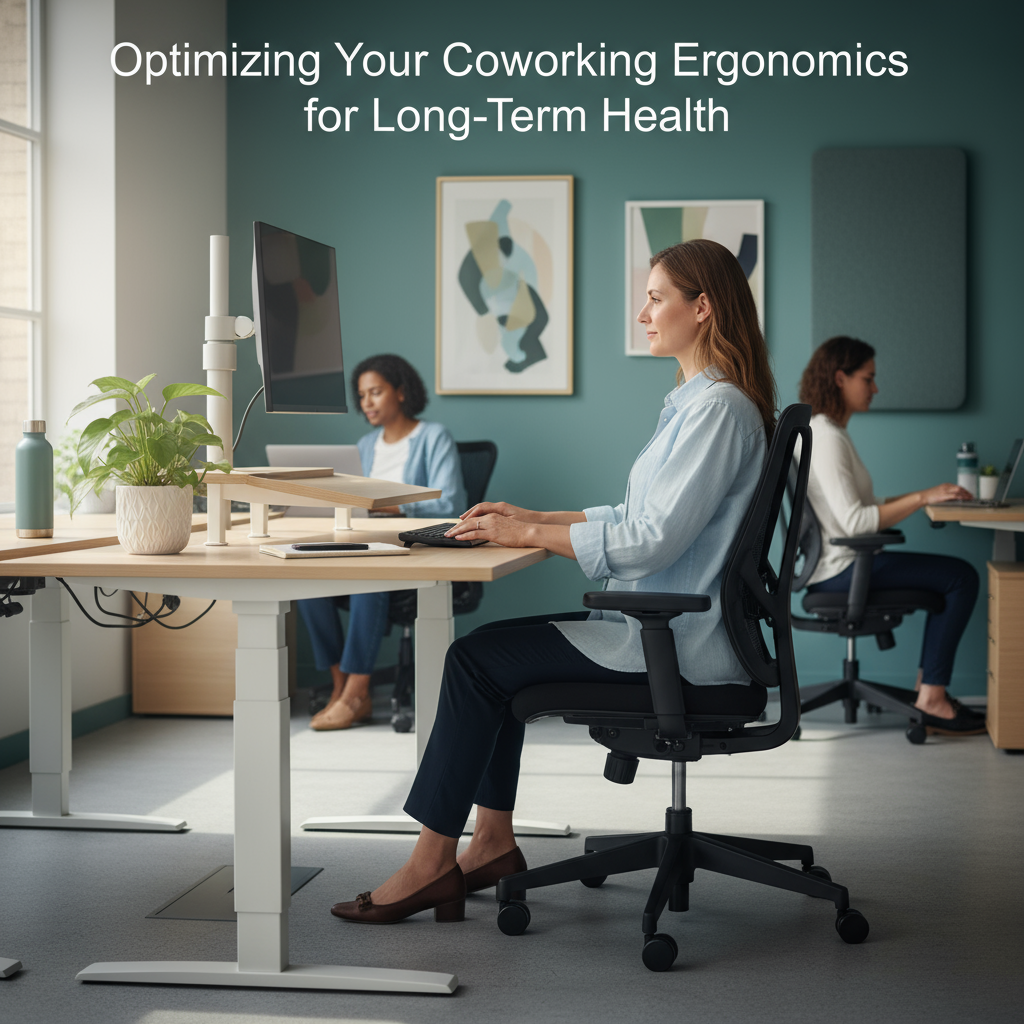
- Seat height: set so your feet are flat on the floor and your knees form a 90-degree angle. If feet don’t reach, use a small box or tote as a footrest.
- Lumbar support: add a lumbar cushion or a rolled towel behind your lower back (push it into that natural curve).
- Seat depth: if the chair forces you to slouch, slide forward so there’s about 2 inches of space between the back of your knees and the seat edge.
2. Monitor and laptop setup
Most pain starts with a screen that’s too low. Fix that:
- Top of screen: position the top of your monitor 1 inch below eye level so your gaze tilts slightly downward.
- Distance: sit about 24 inches from the screen (that’s roughly an arm’s length for most adults).
- Laptop users: always use a laptop stand plus an external keyboard and mouse — this keeps your neck neutral and your wrists flat.
3. Keyboard, mouse, and wrist health
Little changes matter here:
- Elbow angle: keep elbows close to your body at about a 90-degree angle.
- Keyboard height: your forearms should be parallel to the floor. If the desk is too high, lower your chair and once again use a footrest if needed.
- Mouse placement: keep the mouse right beside the keyboard so you don’t overreach.
4. Lighting, glare, and eye comfort
Squinting leads to forward head posture — which is a fast track to neck pain. Try this:
- Reduce overhead glare — rotate your screen or request a desk near indirect light.
- Follow the 20-20-20 rule: every 20 minutes look at something 20 feet away for 20 seconds.
- Consider a warm desk lamp for close work so your eyes don’t overcompensate.
5. Movement and microbreaks — your secret weapon
Sitting still is the biggest threat to long-term office health. So move.
- Stand up for 2 minutes every 30 minutes — set a phone timer if you have to (I’ve done it for months; it saves my hamstrings).
- Take a 7-minute mobility routine twice a day (see the quick routine below).
- Use walking meetings for calls that don’t need video — it’s efficient and healthy.
What quick routine prevents pain and improves posture?
Quick. Effective. No equipment required.
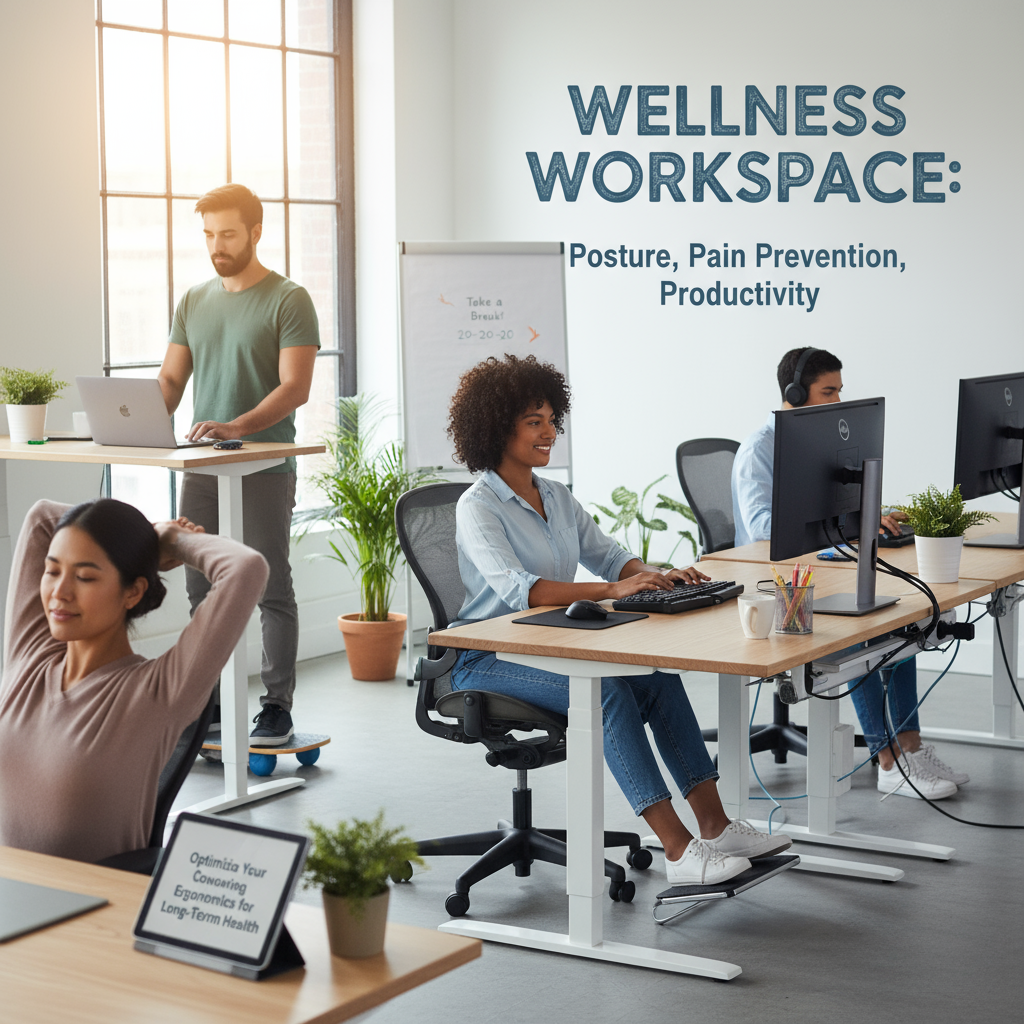
Do this 7-minute routine twice daily — morning and mid-afternoon.
- Neck circles: 60 seconds, slow and controlled (30 seconds each direction).
- Shoulder rolls: 60 seconds, exaggerate the motion — forward then backward.
- Thoracic rotations: 90 seconds (sit tall, cross arms, rotate gently left/right).
- Wrist stretches: 60 seconds, press palms together and then palms down to stretch forearms.
- Hip flexor stretch: 90 seconds per side — step forward into a lunge and tilt pelvis forward.
- Standing hamstring reach: 60 seconds — hinge at hips, keep back flat.
That’s 7 minutes total. Do it twice. Your back will thank you.
How can I influence workspace wellness at my coworking location?
You don’t have to be bossy to get better ergonomics. Use data and friendly requests.
- Collect examples: take photos of problem areas and note the number of people affected (e.g., “5 members reported lower-back discomfort this month”).
- Make specific asks: “Can we add 3 lumbar cushions and 5 laptop stands?” People react to specifics.
- Offer a pilot: suggest a 30-day trial with adjustable desks or ergonomic keyboards — if results are good, management will likely expand it.
- Propose education: a lunchtime ergonomics workshop (30 minutes) is cheap and high-impact.
Portable gear that transforms shared desks
If the space won’t change, bring smart gear:
- Laptop stand (foldable) — raises the screen to the right height.
- Compact external keyboard and mouse — keeps wrists neutral.
- Inflatable lumbar roll or memory foam cushion — instant lower-back support.
- Adjustable footrest — cheap and underused.
These cost less than one ergonomic chair and you can carry them between locations. Practical, right?
How do I know if my posture is causing long-term damage?
Warning signs to watch for:
- Daily neck stiffness that lasts beyond a few hours.
- Recurring headaches that intensify after work.
- Numbness or tingling in fingers (especially at night).
- Persistent lower-back pain that doesn’t respond to short breaks.
If you have any of these, see a healthcare professional. And, if it helps, our team can do a quick workstation audit and give a one-page plan you can implement or present to management.
Quick checklist — optimize your coworking ergonomics in 10 minutes
- Raise your screen so the top is 1 inch below eye level.
- Place keyboard so elbows form a 90-degree angle.
- Add lumbar support (towel or cushion).
- Set a timer: stand 2 minutes every 30 minutes.
- Do the 7-minute routine twice daily.
- Use an external keyboard and mouse if you use a laptop.
Why small investments pay off for workspace wellness
Here’s the deal: a $60 laptop stand and a $20 cushion often prevent weeks of discomfort. It’s like choosing between a Ferrari and a bicycle — sometimes the bicycle gets you there faster because it’s reliable. You don’t need a full office remodel to protect your long-term health. Consistent small fixes plus movement beats expensive one-off solutions almost every time.
FAQ
How long before I see benefits from ergonomic changes?
You’ll often feel immediate relief within hours for things like neck strain when you raise your screen. More persistent improvements in posture and chronic pain can appear after 2 to 4 weeks of consistent adjustments and movement habits.
Can I get ergonomic support if I’m hot-desking and change locations daily?
Yes. Keep a small kit (laptop stand, compact keyboard, lumbar cushion). This kit fits in a backpack and gives consistent posture support no matter the desk.
Are standing desks better for long-term health?
Standing desks help, but they’re not a cure-all. The key is movement variation: sit, stand, walk. Use a sit-stand schedule (for example: stand for 15 minutes every hour) and keep your workstation ergonomically aligned while standing (monitor height still matters).
What if my coworking landlord refuses to buy equipment?
Try a pilot program proposal: offer to fund one adjustable desk for a 30-day trial and collect member feedback. If that’s blocked, focus on portable personal gear and organize a member-led ergonomic workshop to raise awareness.
Where can I get a quick workstation audit?
Many ergonomic consultants offer 20-minute virtual audits that include photos and a one-page plan. If you’d like, our team can perform a quick audit and send an actionable checklist you can implement immediately or hand to your space manager.